
Google is working hard to block Chrome Extensions that don’t come from the Chrome Web Store. All browsers will block said extensions soon, but that doesn’t mean there won’t be ways to install these. Google simply wants to make it harder for malicious extensions and websites to reach you.
Those who need to use external extensions can still do so. We taught you how to manually install extensions recently. This method will continue to work, but Google is taking another precautionary measure to make sure you know which extensions could be dangerous.
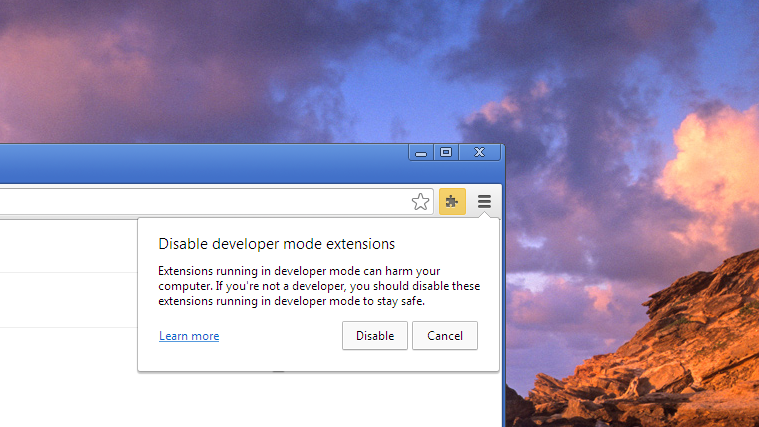
Chromium is now showing an orange box around extensions that were installed in developer mode (command line or unpacked extensions). Users will easily be able to identify which apps didn’t come from the Chrome Web Store, just in case.
The feature will also be coming to Chrome Beta and Chrome Stable channels. You can test it now in Chromium, though. Simply flip the –enable-force-dev-mode-highlighting switch and you are set. The rest of us can wait.
Leave a Reply